
Change payment amount: chatbot template for utilities and municipal services
Description
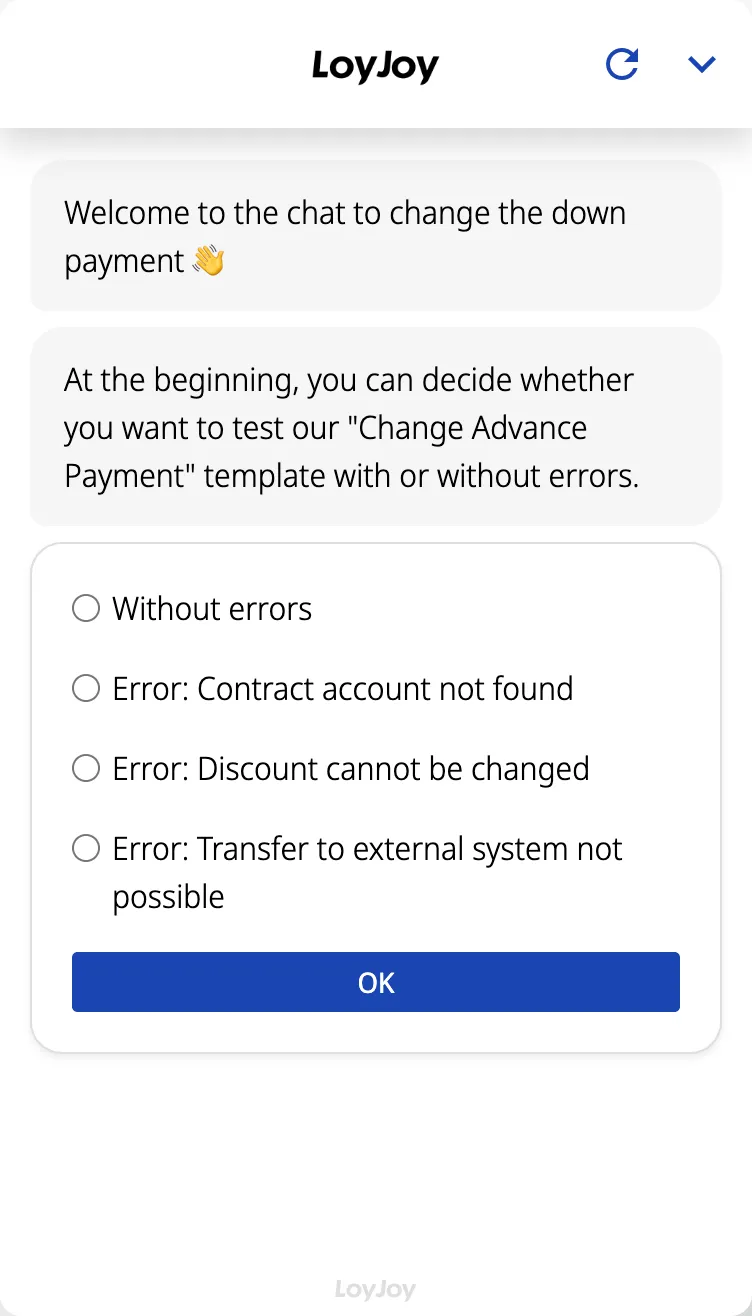
Change payment amount chatbot: lets customers adjust their monthly instalment directly in chat, no forms or detours needed.
Highlights
Highlights
- Quick and easy change of the instalment amount via chat
- Verification via contract account number with comparison in your customer database
- User-friendly customisation process
- Stay flexible and adapt payments to current circumstances
The template guides customers through changing their monthly payment amount in chat: the contract account number and desired new amount are captured, validated against your customer system and written directly to your billing system via the API client. The permissible adjustment range is configurable, so customers can self-serve within sensible limits.
More utilities use cases are available on our utilities industry page.
Highlights
- Change the payment amount in a few steps: Customers enter their contract account number and desired new payment amount directly in chat, no forms or hold queue needed.
- Verification via the contract account number: The input is checked against your customer system before the change is applied.
- Direct handover to your billing system: The new amount is written via the API client into systems such as SAP IS/U, Wilken, Schleupen, Lima or powercloud, with a configurable adjustment range.
Use cases (examples)
- Adjust the payment amount after rising or falling energy prices
- Correct the amount after a change in consumption, for example a new heat pump or solar installation
- Reset the payment amount after the annual statement
- Temporary adjustment for seasonal consumption swings
- Self-service outside the hotline service hours
What is included in the template?
- Guided chat dialog for the contract account number and new payment amount
- Verification against your customer system
- Configurable adjustment range with minimum and maximum amount
- API connection to common billing systems such as SAP IS/U, Wilken, Schleupen, Lima or powercloud
- Automatic confirmation and summary of the change in chat
Get started in under 5 minutes
- Install the template
- Connect your billing system: Set up the connection to your billing system via the API client.
- Define the adjustment range: Set the permissible range and validation rules in the module.
- Test and publish: Run through the change in test mode, then publish.
Frequently asked questions
The contract account number and the desired new amount.
Yes, a configurable adjustment range with a minimum and maximum amount.
The new amount is written directly to the billing system via the API client. The effective timing depends on its processing.
SAP IS/U, Wilken, Schleupen, Lima and powercloud via the API client. Further systems can be integrated individually.
Yes, for example with the meter reading capture template or the utilities phone agent for phone-based requests.
The agent confirms the change in chat and shows a summary of the new values.